
Self-Renewal for Expired Guest Prescriber Links
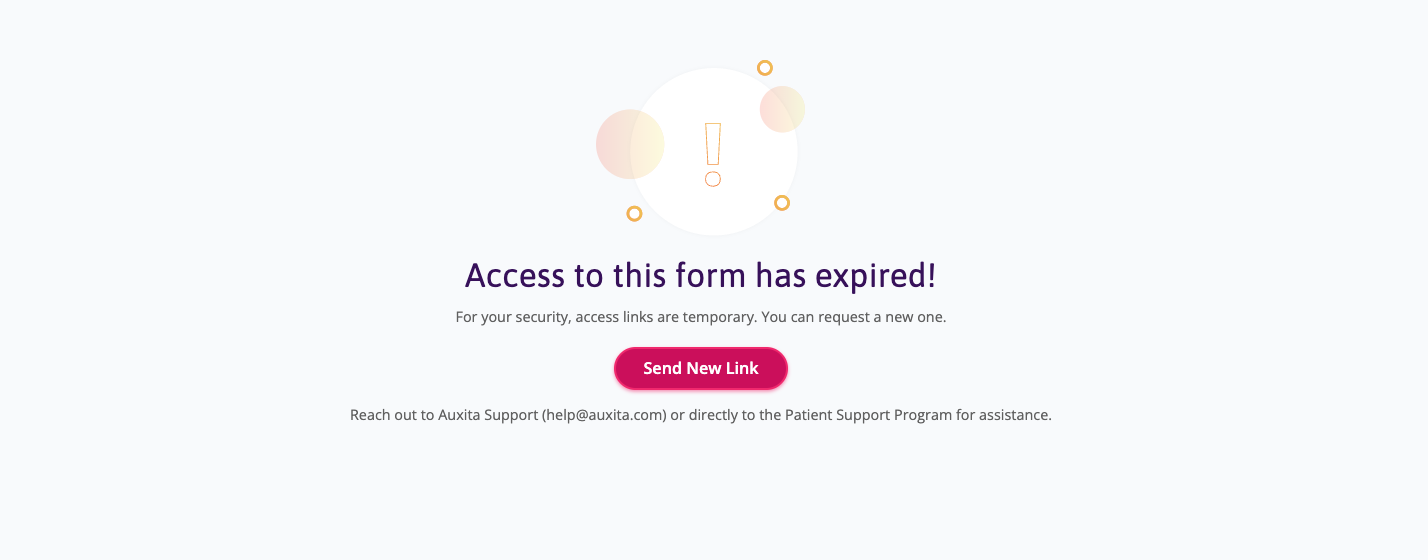
Previously, guest prescribers who clicked expired access links encountered a dead-end page, requiring manual intervention from support, patients, or Patient Support Programs resend the form. To resolve this, we introduced a secure "Send New Link" button directly on the expired landing page, allowing prescribers to renew their own links on-demand.
For security, old URLs are automatically invalidated, and attempting to access them will display a warning to check for the most recent link. This is because all regenerated OTUs will always receive a completely new, unique one-time use code.
Downloadable PDF Copies for Guest Prescribers
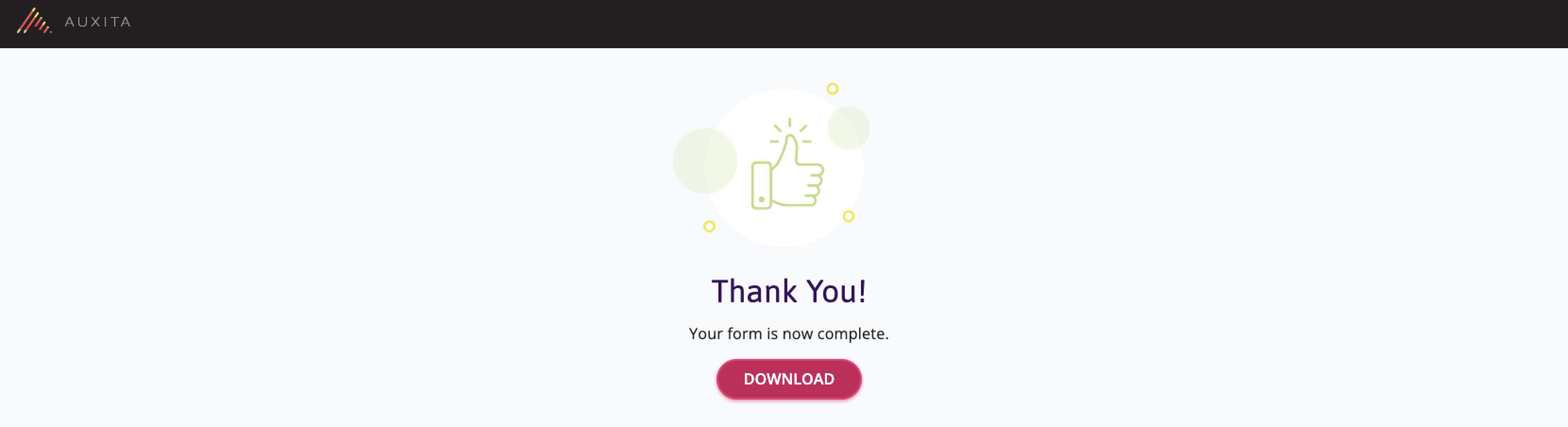
Previously, guest prescribers who signed and submitted forms via a One-Time Use link had no way to download a copy of the completed document for their own records. To resolve this, we have added a secure "Download" button directly to the "Thank You" confirmation page.
Once you have submitted the form, they can now click this button to generate and download a copy of the signed PDF straight to their device for EMR record-keeping.
Patient Program ID Added to Notification Emails
We've added the Patient's Program ID to the "Auxita Action Item" and "Auxita Item Updated" emails, so you can identify which patient a notification relates to without exposing their name or other PHI. If you're a Patient Support Program or Manufacturer user, you'll now see the Program ID in these emails when it's on file for the patient.
🌟 Improvements
Faster Loading for Additional Forms
We've improved the performance of the "Open Additional Form" action, which previously took several seconds to load. The form now renders significantly faster when opened from within the workflow.
Quicker Initial Patient Search Results
We've increased available memory and optimized underlying code to speed up Patient Search, with the most noticeable improvement on the first search of a session.
Enhanced QR Code Presentation on OTU Fax
After receiving feedback from Healthcare Providers and Patient Support Program Staff, we've updated the One-Time-Use Code Fax template so the QR code is less prominent, removing the large border and "Scan Me" wording.
Step 3 now clearly labels the QR code as optional and includes enhanced instructions, so Guest Prescribers can complete the review/signature step by web browser or QR code — whichever they're more comfortable with. This update applies to both EN and FR versions.
Guest Prescriber Form Enhancements
Guest Prescribers can now more easily complete One-Time Use signature requests with improved navigation and clearer feedback when required information is missing. Forms automatically scroll to missing required fields on submission, while the sidebar stays visible as you scroll.
Standardized Submitted Forms Now Open in a Dialog
We've improved how submitted forms open across the platform by standardizing them into a single Form Dialog (pop-up overlay), replacing the previous behaviour where some forms launched in a separate browser tab. This applies to submitted forms in the Programs Status and Program Details tables, the Activity table, the Documents table, and the Dashboard. You'll see the form as editable if you have permission, or read-only if you don't, letting you review comments, attachments, and downloads without leaving your current page. Attachments within the form will still open in a new browser tab, as before.
🛠 Fixes
Cancellation Reasons are now Translated to French in all places
It was found that the cancellation reason for dPA forms was not translated to French for French users when viewing a cancelled dPA on the Activity Table or on the new Cancelled Tab for Prior Authorization forms. This has now been fixed.
Guest Prescriber Additional Form OTU Email — Program Details Corrected
Guest Prescribers receiving the One Time Use Code signature requests for Additional Forms previously saw the Program contact details missing on the email and fax one-time-use notifications, and the email's "From" field showed the Form Name instead of the Program Name. We've corrected both issues: the Program contact details now render as expected on the email and fax OTU for Custom Forms, and the "From" field now displays the Program Name.
Preferred Language Dropdown — Delayed Update and Free-Text Entry Fixed
Previously, after selecting a new Preferred Language in Settings, the dropdown continued showing the old language until you clicked elsewhere on the page, even though a confirmation of the change appeared. This happened because the field allowed typing instead of restricting selection to the three available languages. We've fixed this so the Preferred Language dropdown now only allows selecting from the available options, and the page updates to the new language immediately.
